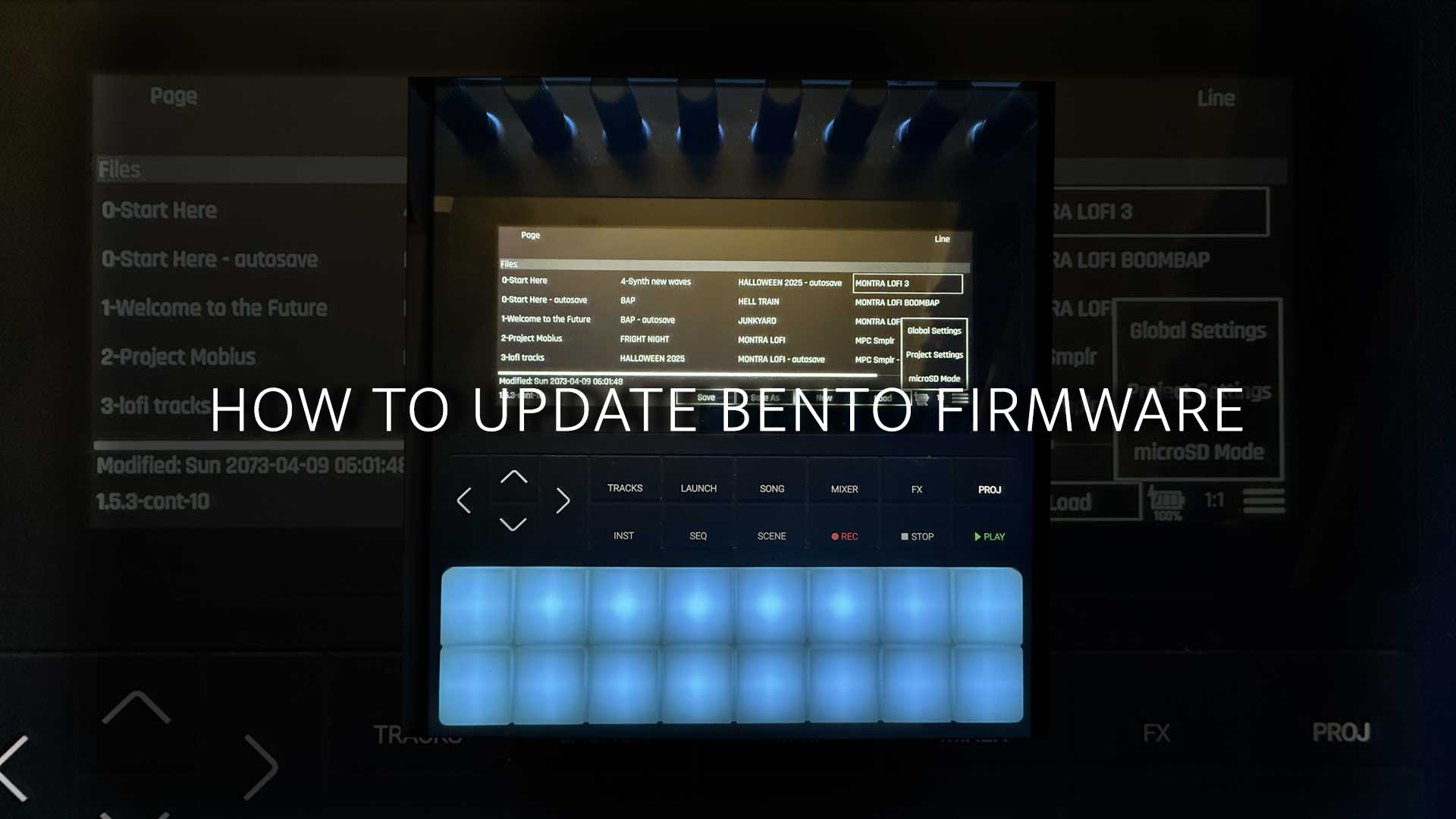
HOW TO UPDATE BENTO FIRMWARE
- Download the current Bento firmware from Discord here.
- Turn your 1010Music Bento on and look for the version number on the start up screen. Make sure you have ver 1.3 and up to use update over USB-C
- Connect your 1010Music Bento to your Mac or Windows via USB-C and make sure you’re using a USB-C cable that supports data transfer.
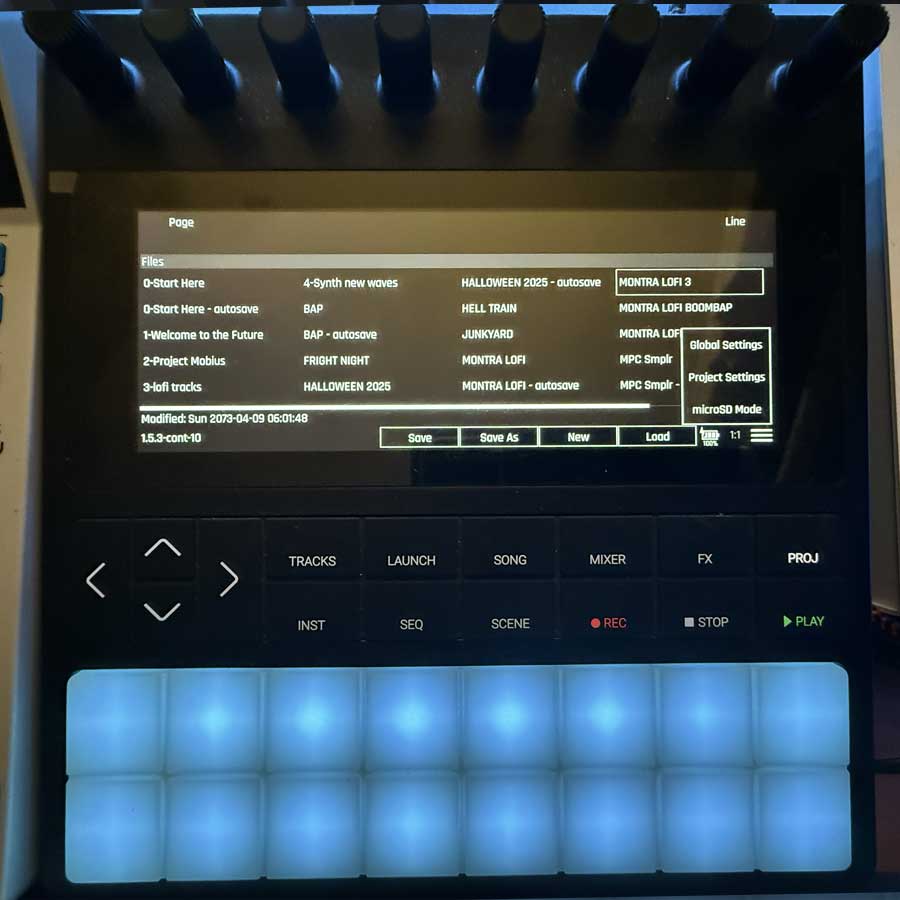
- Push the PROJ button on the Bento and then look for the three little lines at the bottom right corner to access MicroSD Mode. Choose microSD mode.
- Drag the 2 bento.bin files over to the device that shows up on your Mac or Windows and replace the existing .bin files.
- Eject the Bento drive/device on your Mac or Windows.
- Turn the Bento off.
- Long press and hold the Bento power button ON to enter the maintenance screen. From here you will choose update firmware by pressing the REC button.
- If the update is successful your Bento will restart.
Interested in licensing sounds for your Hardware, Software, or App? Click Here.

How to Update 1010music Bento firmware the right way
Push the PROJ button on the Bento and then look for the three little lines at the bottom right corner to access MicroSD Mode. Choose microSD mode.
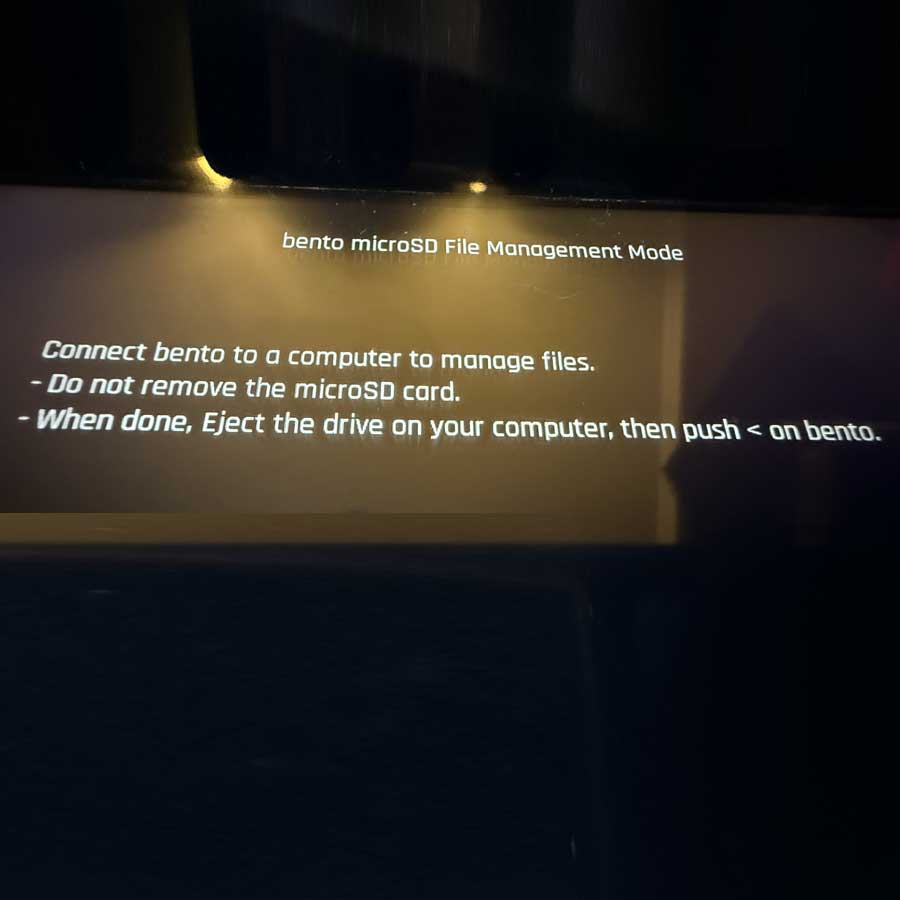
You should now see you are in SD Mode. Now on your computer open the Bento as a drive.
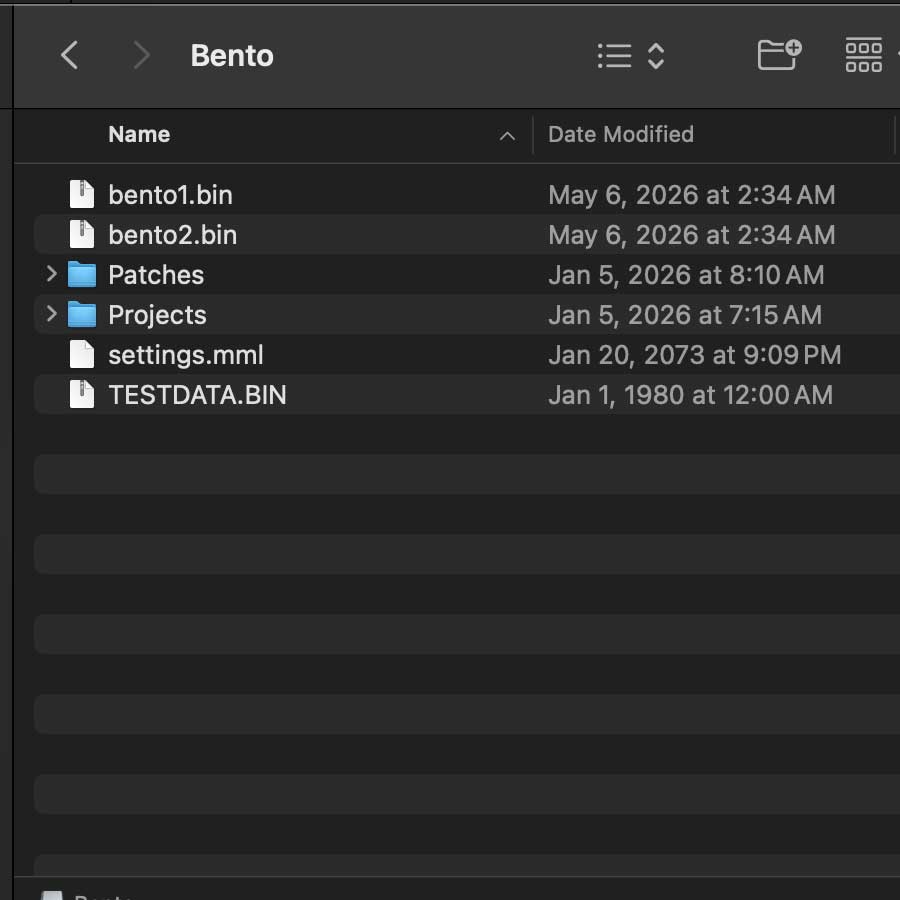
Now copy the two new .BIN files to your Bento Drive
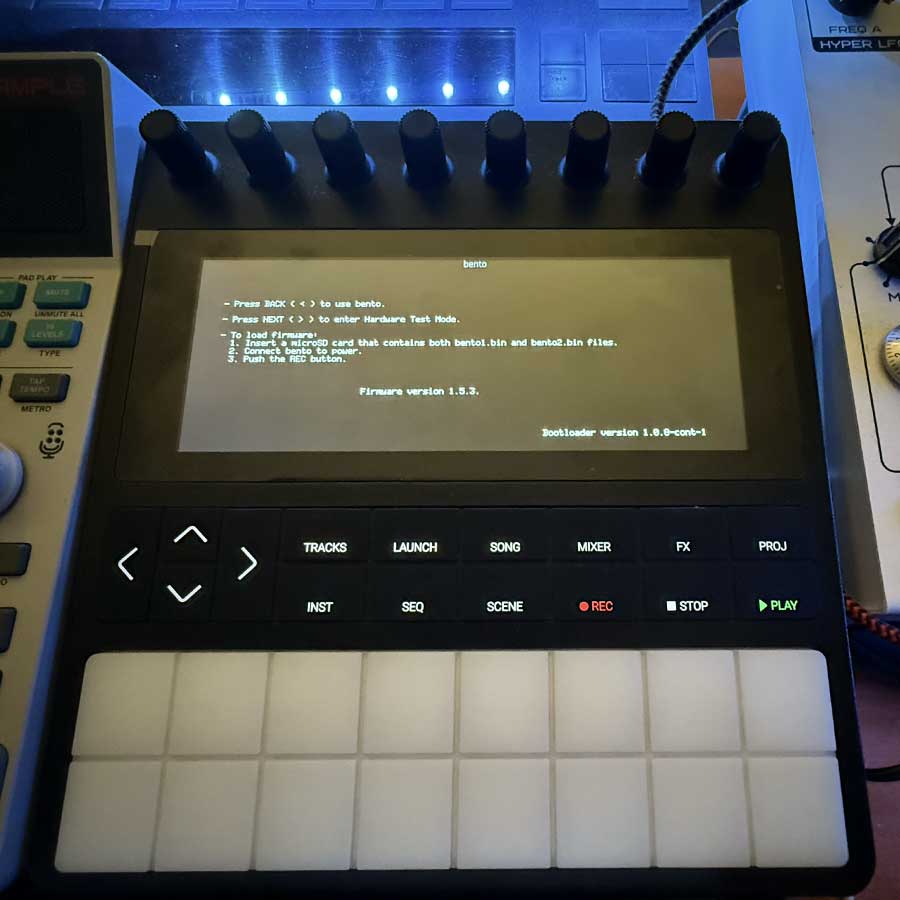
Shut Down your Bento. Then Long press Power button until screen blinks. Then hit your Rec button to update. It will automatically restart.
-
MEGA DRUMS BUNDLE



FEATURED BUNDLES
- Sale!
 LoFi Backpack Bundle
6 Gigabytes of Lofi – Backpack Bundle
Original price was: $199.99.$20.00Current price is: $20.00. Add to cart - Sale!
 Drum City - Acoustic Session Drum Bundle
Drum City – Acoustic Session Drum Bundle
Original price was: $190.00.$20.00Current price is: $20.00. Add to cart - Sale!
 EDM BUNDLE
92% Off 20+GB of Royalty Free EDM
Original price was: $615.00.$39.00Current price is: $39.00. Add to cart - Sale!
 10GB of Hip Hop Loops
10GB of Hip Hop Loops & Samples Mixtape Bundle
Original price was: $536.00.$50.00Current price is: $50.00. Add to cart